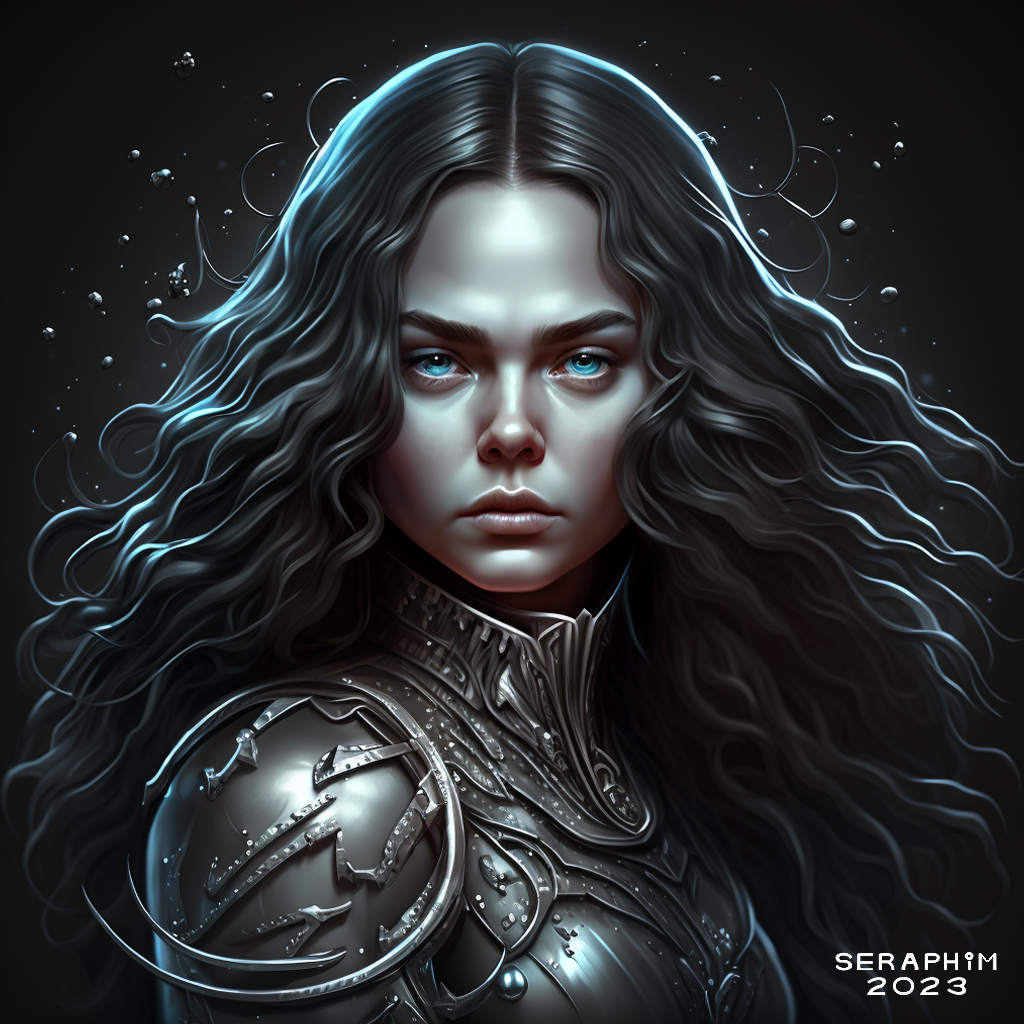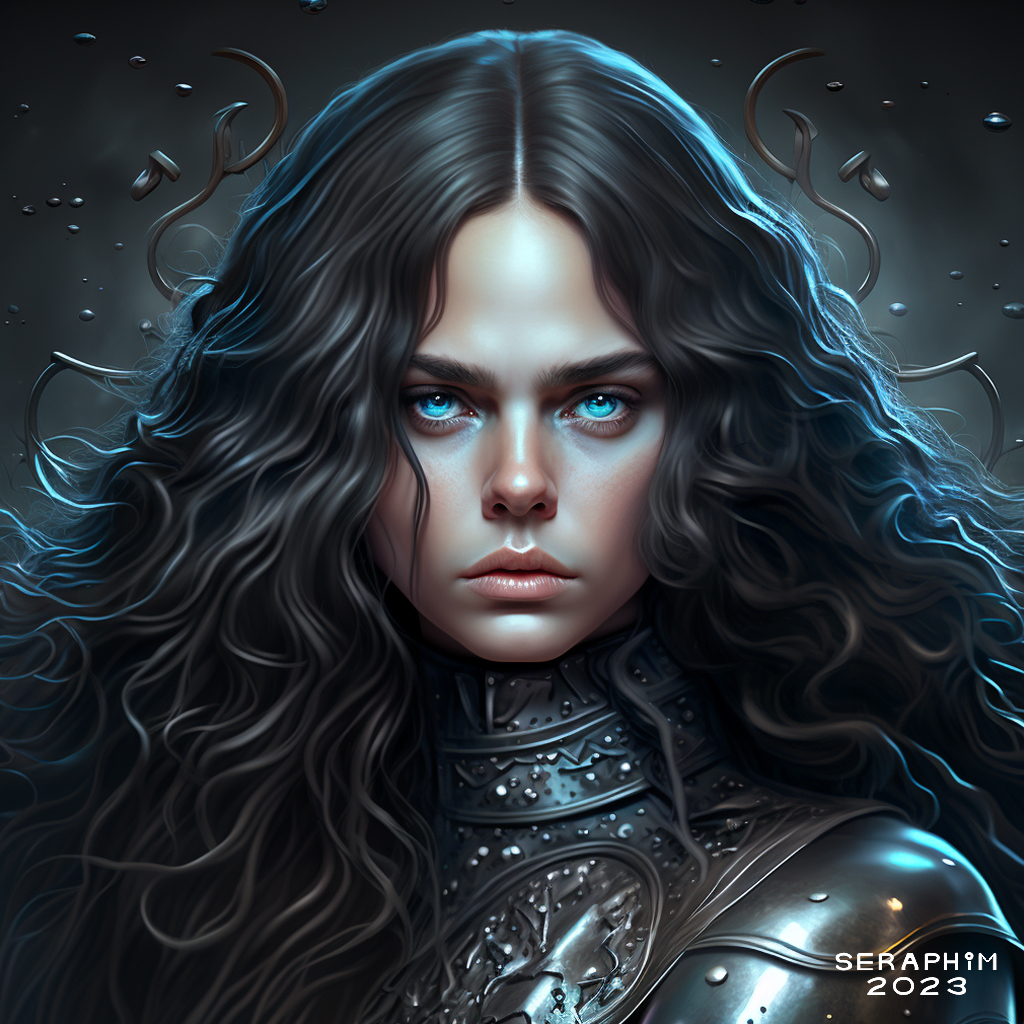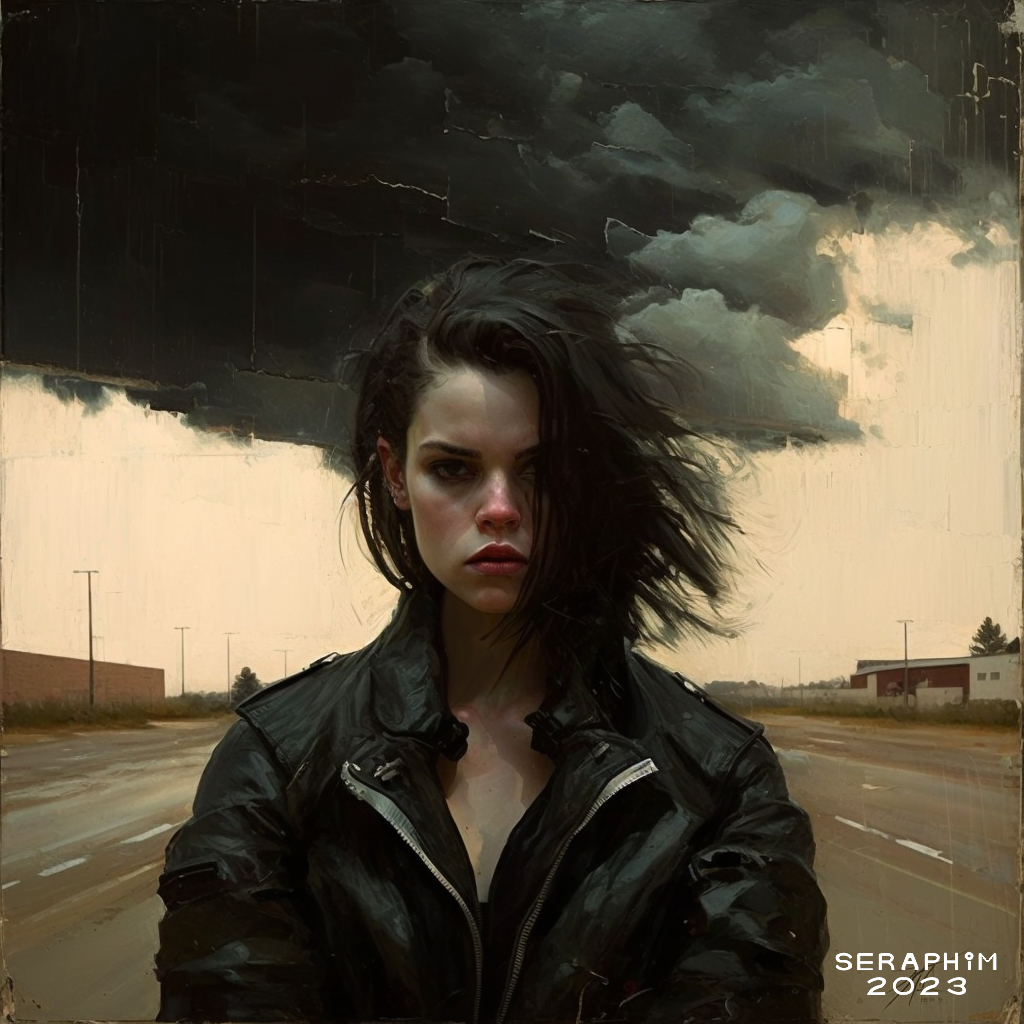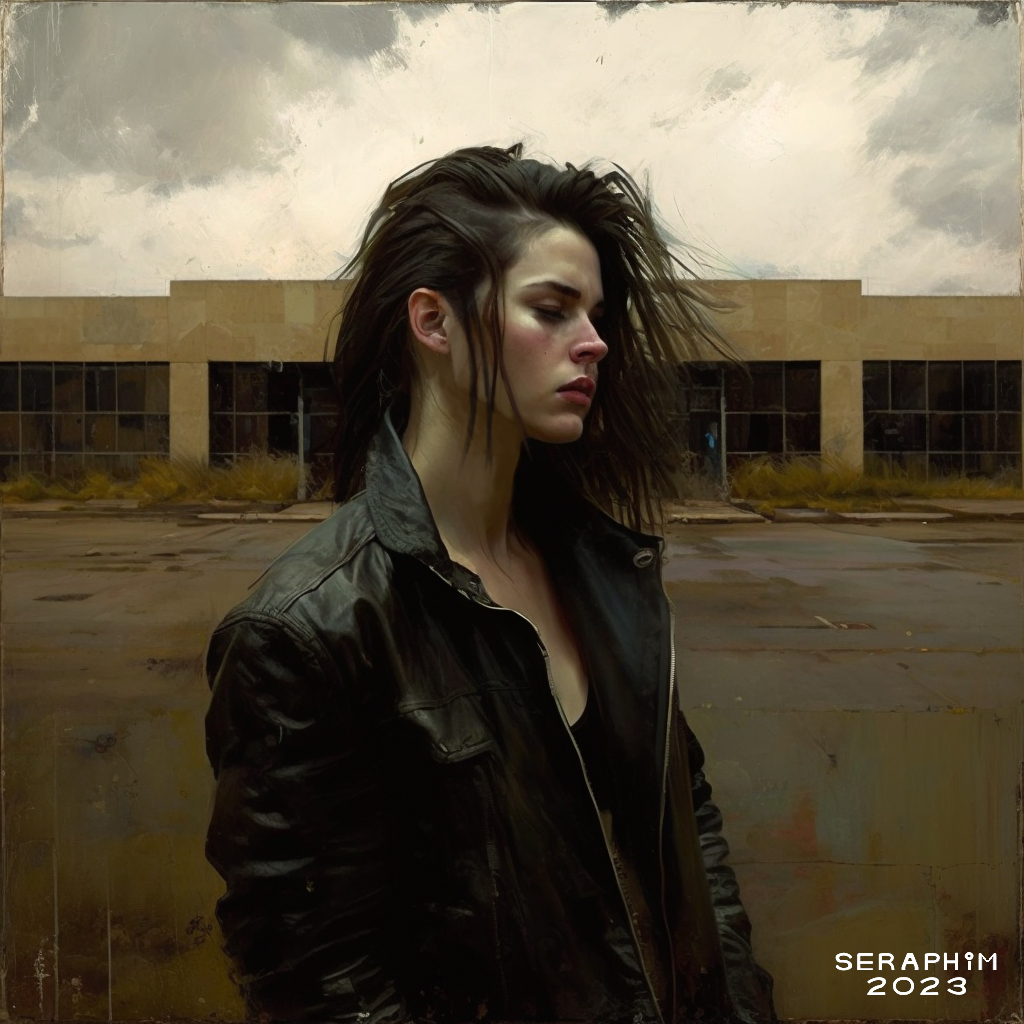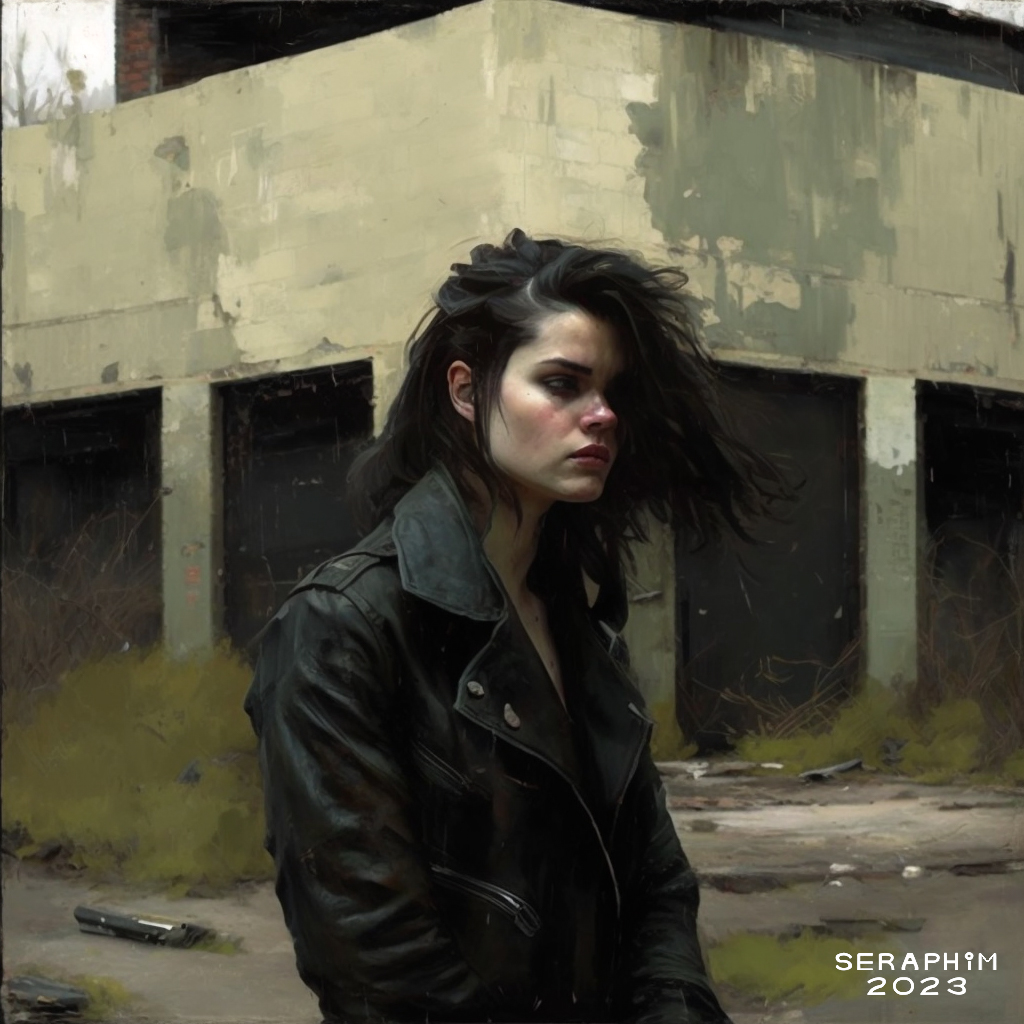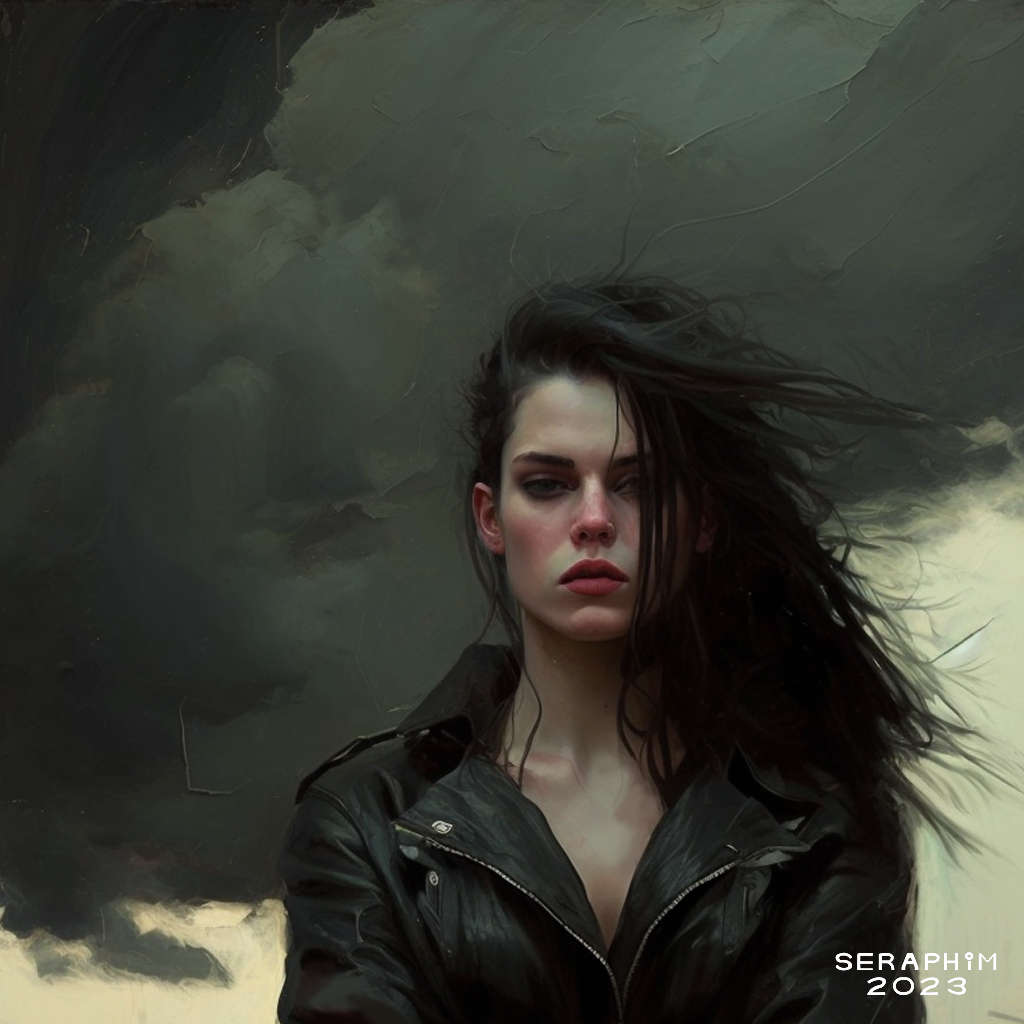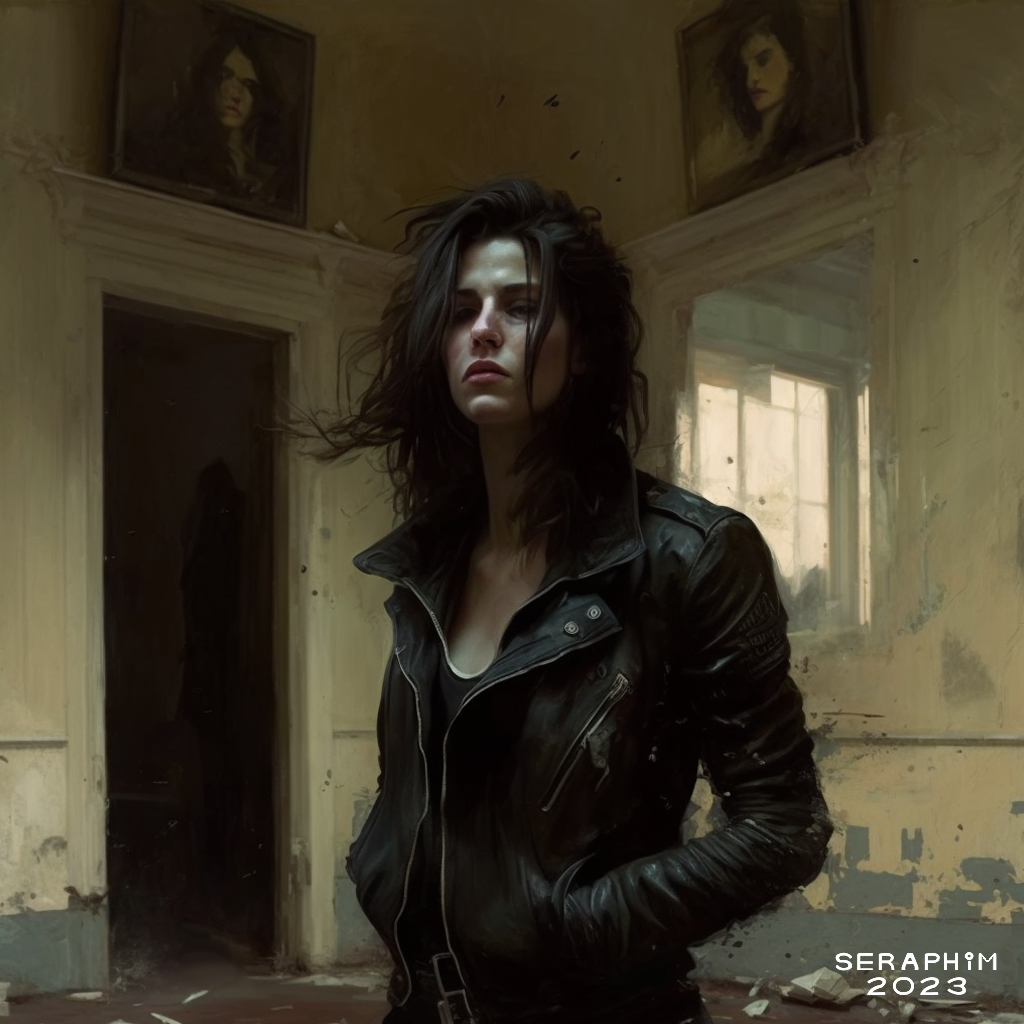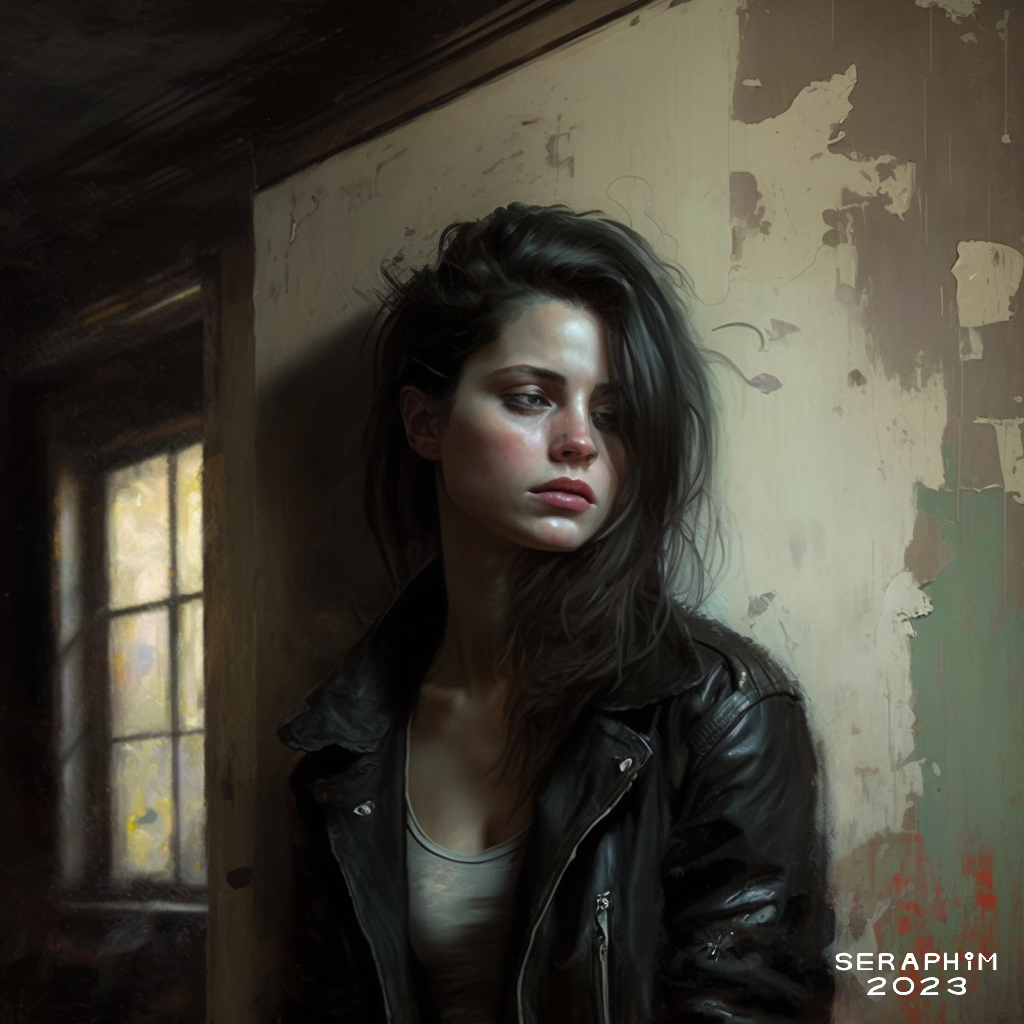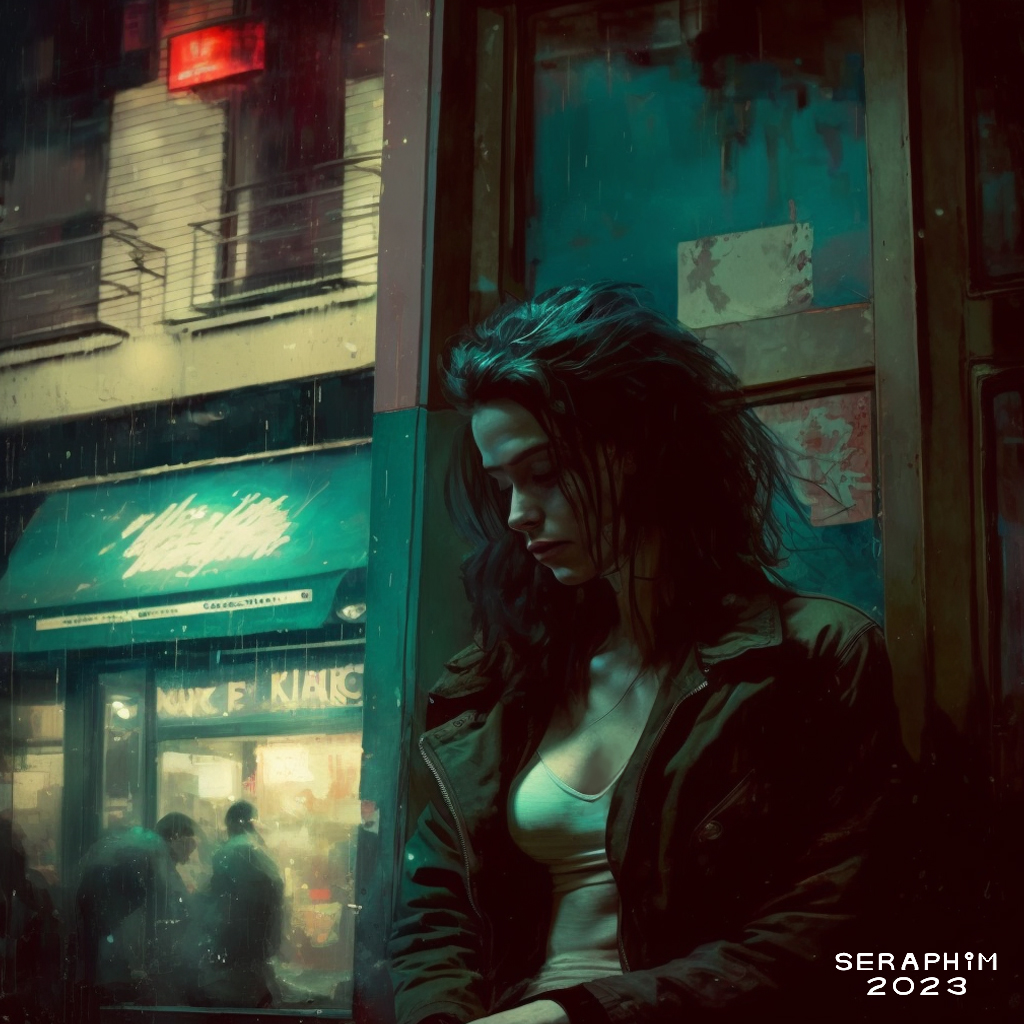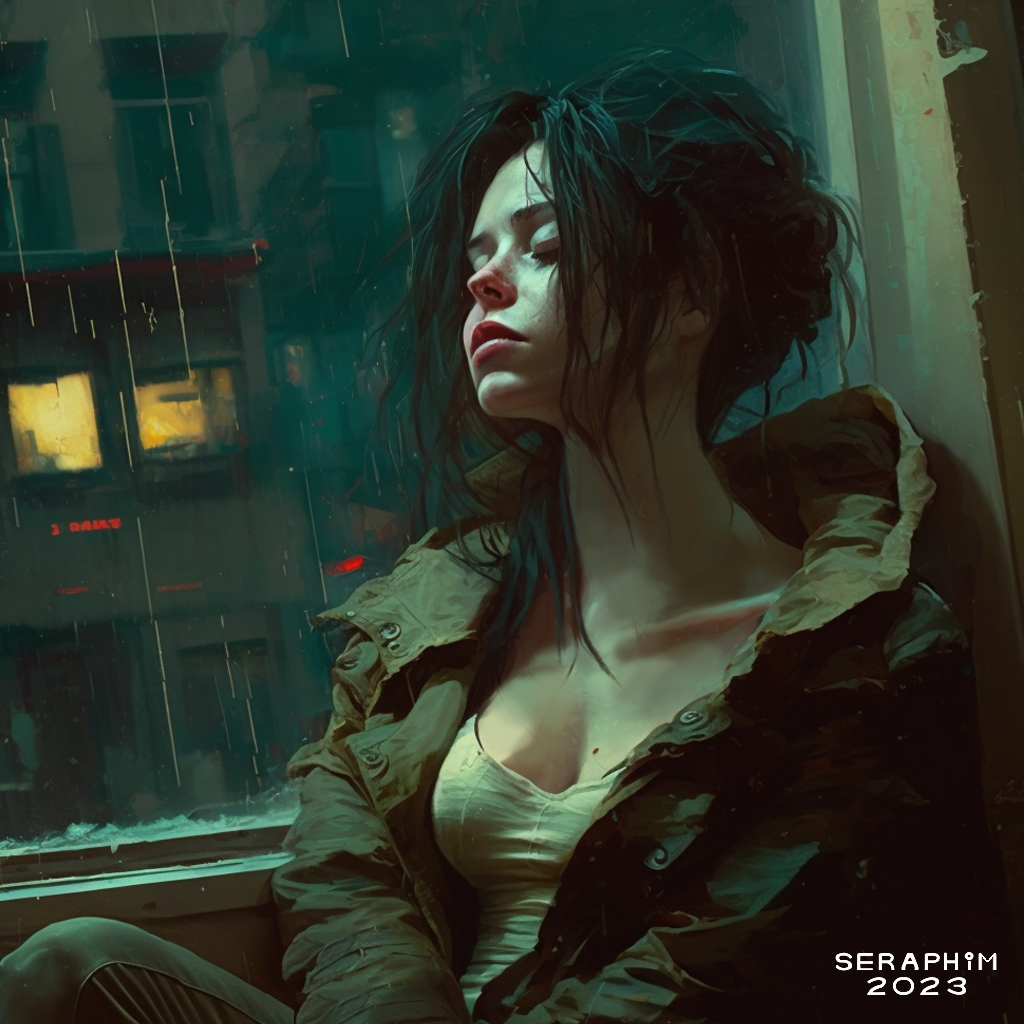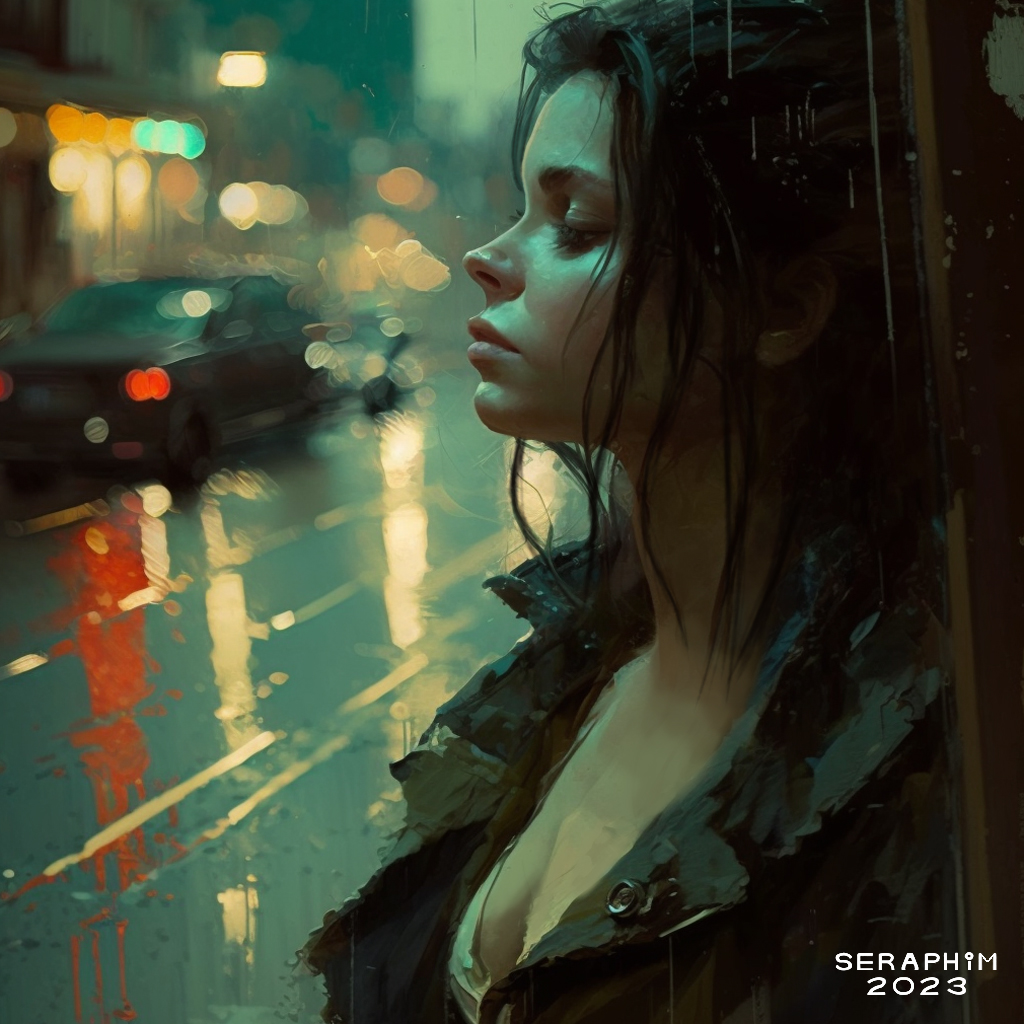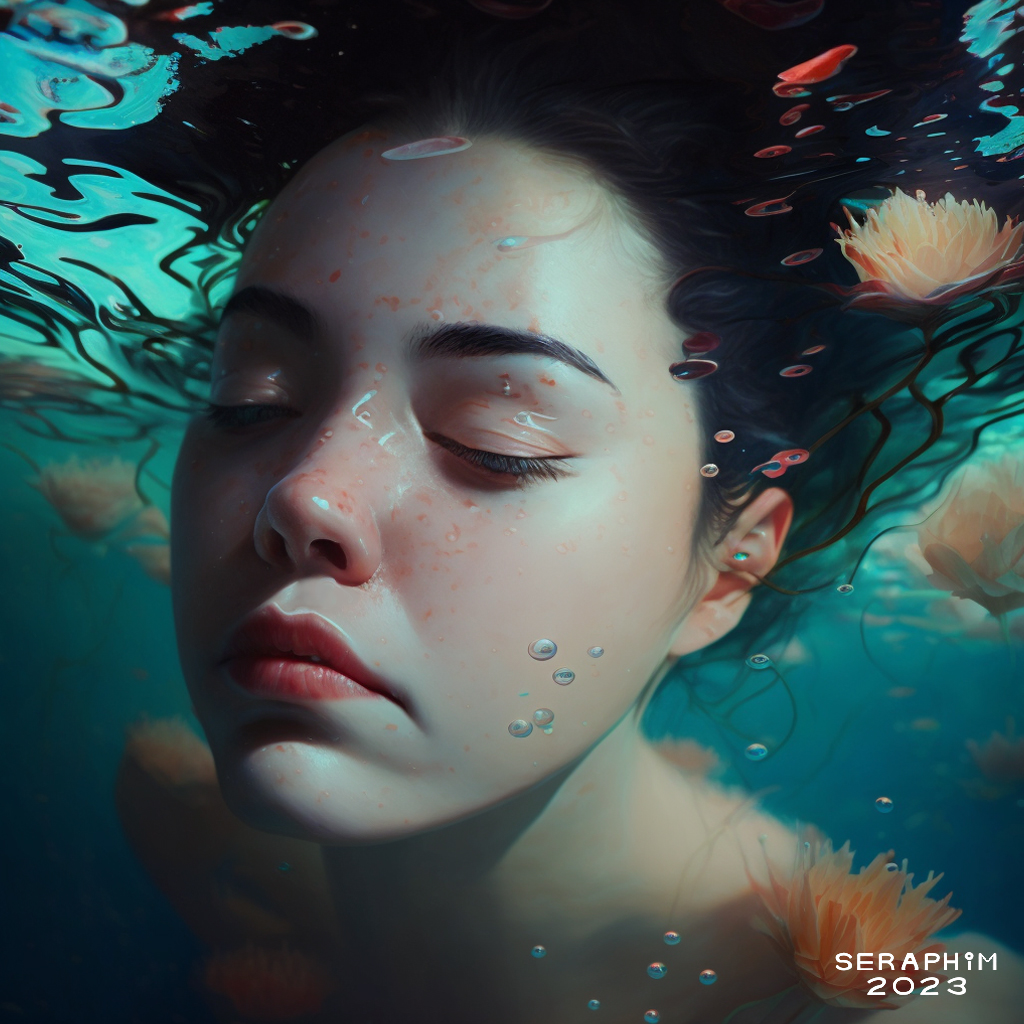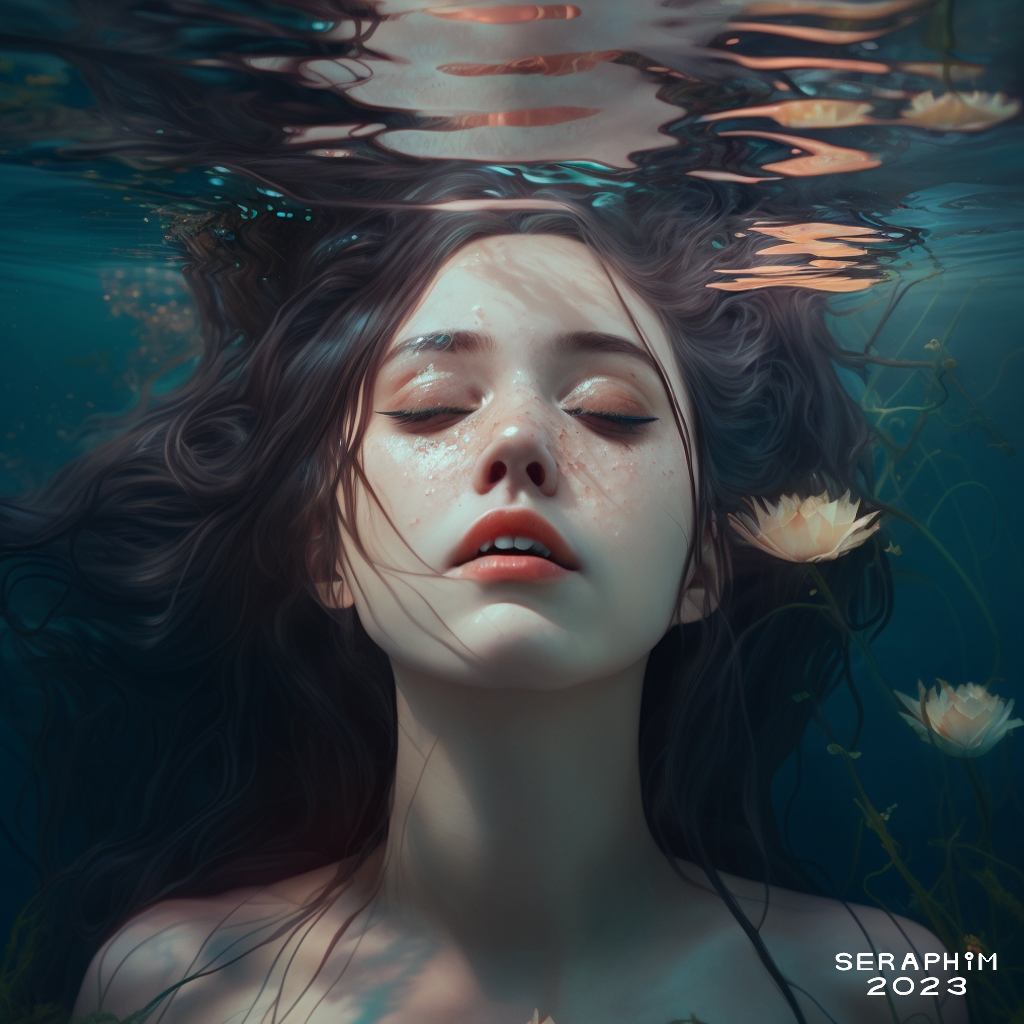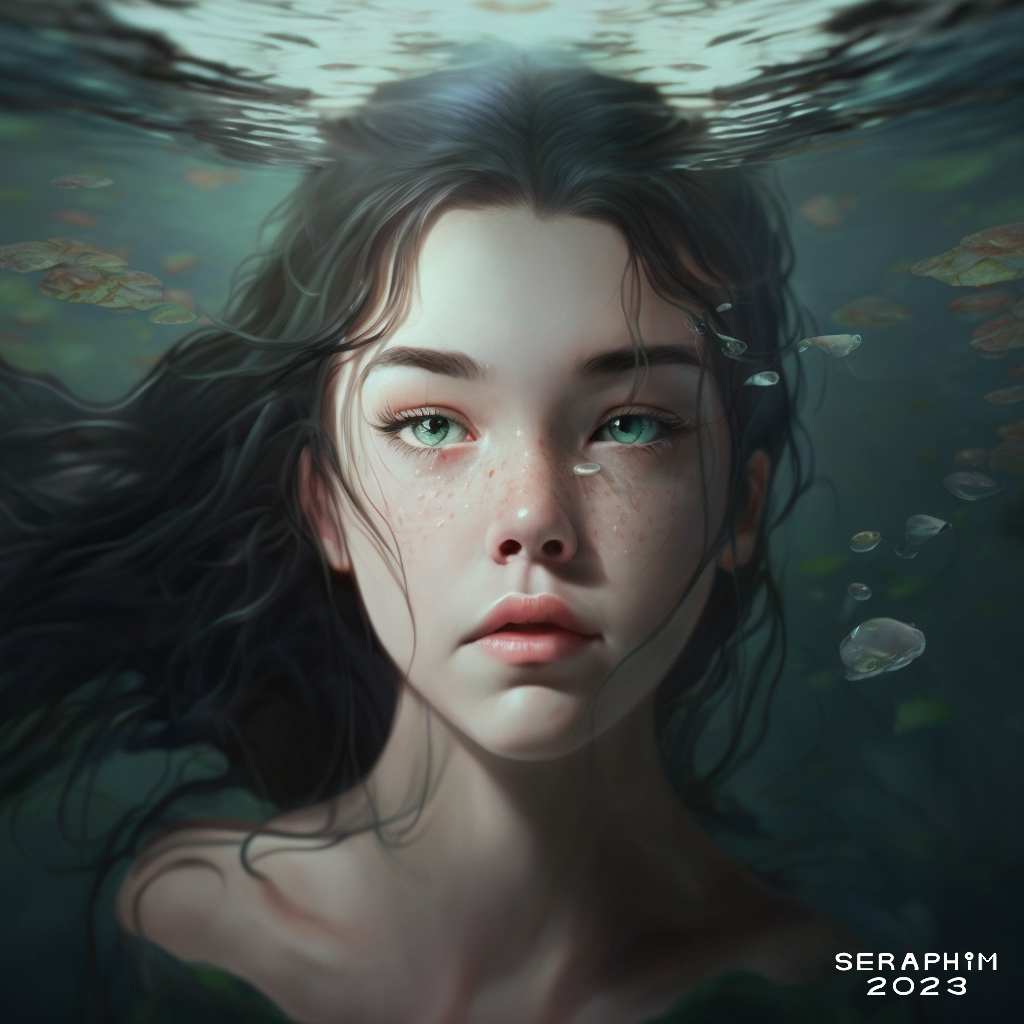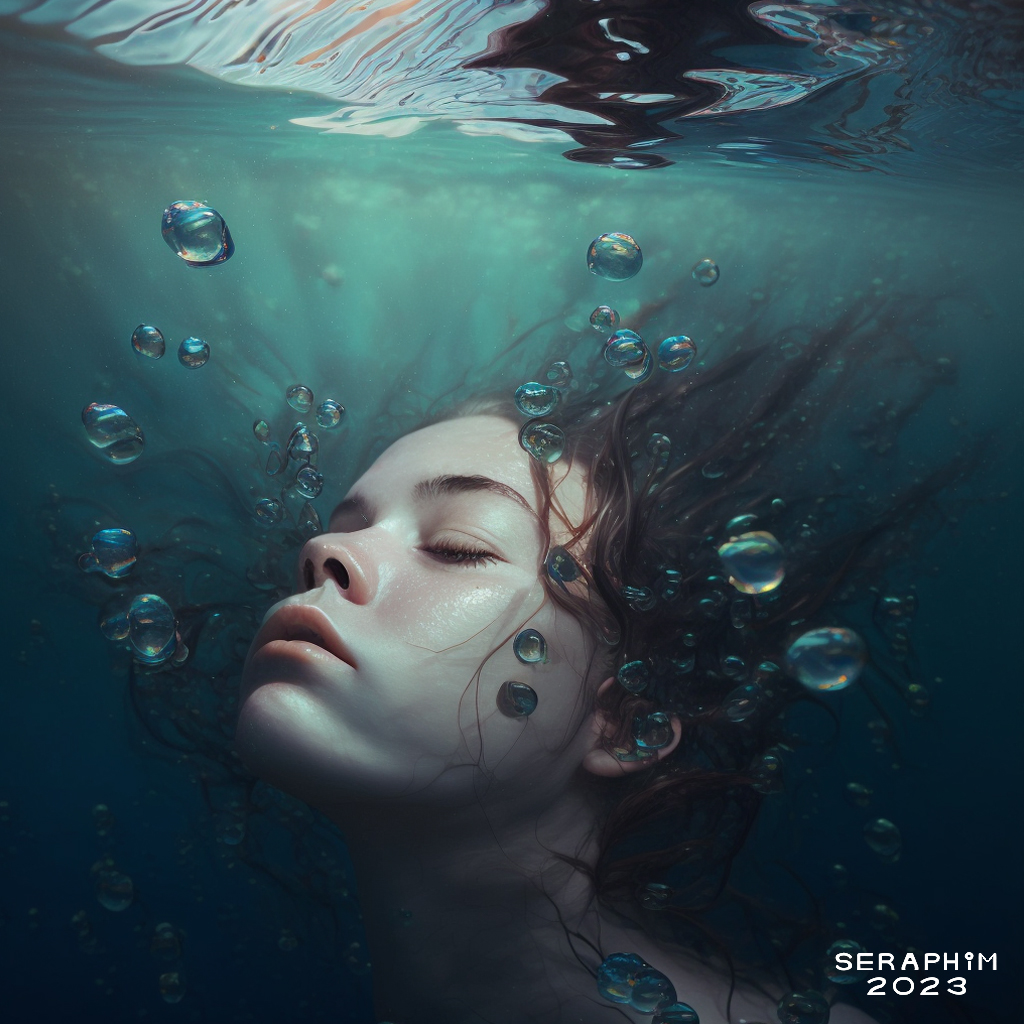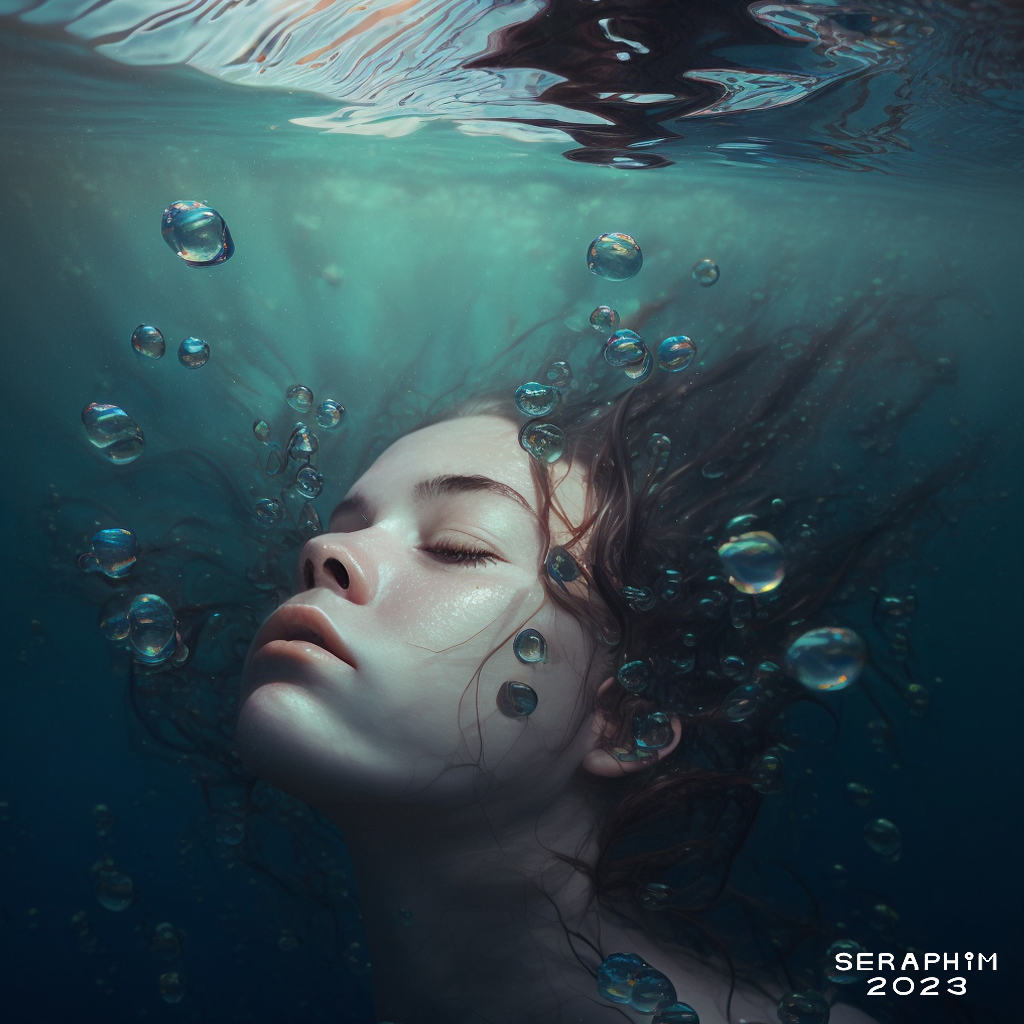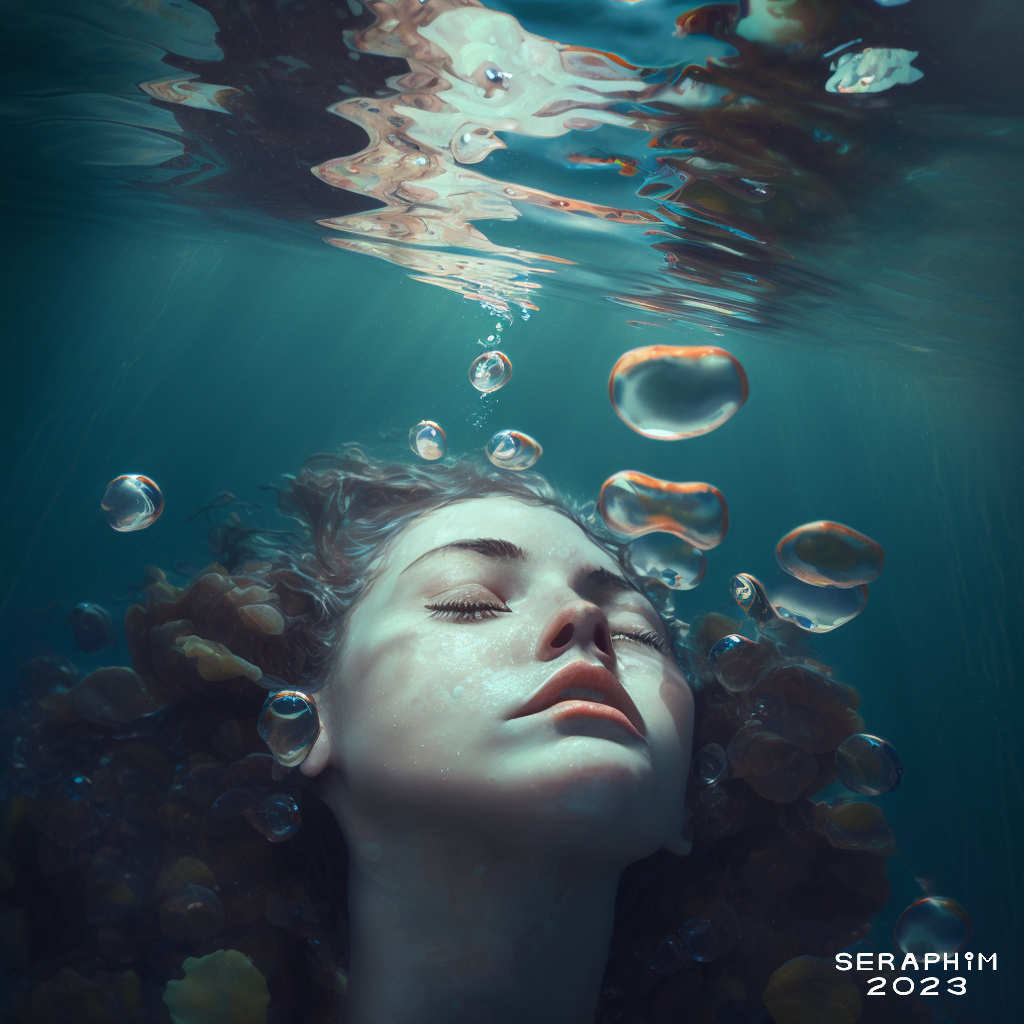
Not really sure why I love doing these underwater babes so much…
… I’ve always adored Pre-Raphaelite art…
… and their adoration of the Ophelia story produced many gorgeous paintings…
… the romanticism of watery death, plus, just the power of watery places, the beauty that accompanies the deadly potential of slow, deep rivers…
… has held me in thrall since childhood, since long before I discovered Ophelia art…
… one of my favourite sci-fi authors from decades ago is J G Ballard…
… he, too, among other themes, was fascinated by water, and even wrote a story about someone just laying at the bottom of their swimming pool, long after they should have drowned, just breathing the calmness of the water…
… that’s what these images are about…
… not drowning, but arriving, whether as a dreamer, or somehow miraculously, in this safe, underwater reality, where you feel, finally, safe.
So, after looking at this image a bit longer, once I’d posted it, I decided that, no, the Mj anatomical weirdness I’d left in didn’t make it ‘dream-like’… in fact, it made it nightmarish…
… so I spent a few more minutes, 15 at most, and fixed it, kinda embarrassed by my initial laziness.
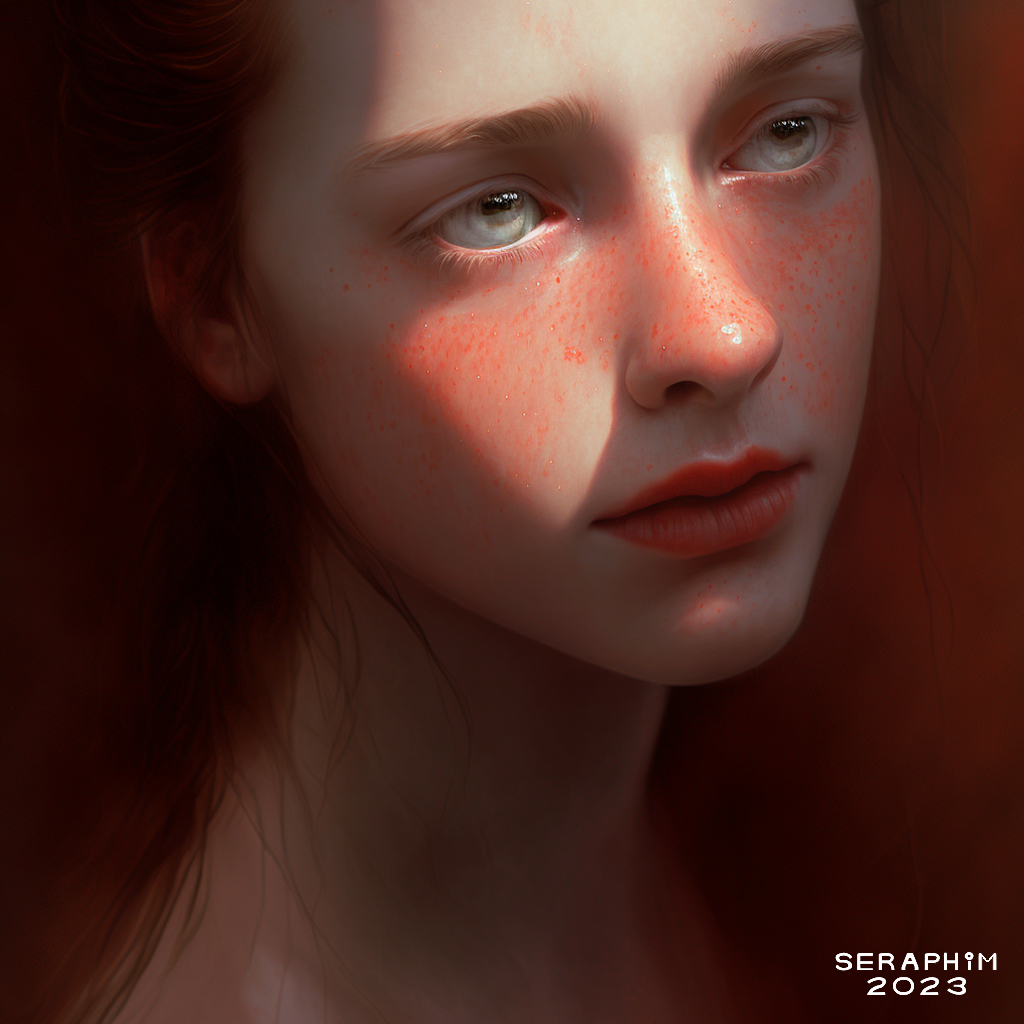
Thought I’d do some more underwater dream girls, another theme I really enjoy pursuing… these ones are all slightly distorted, but I really like them…
… I’ve smoothed over the uglier glitches in glorious Photoshop CS5.1, but not gone out of my way to fix the anatomical distortions that I feel still work, somehow…
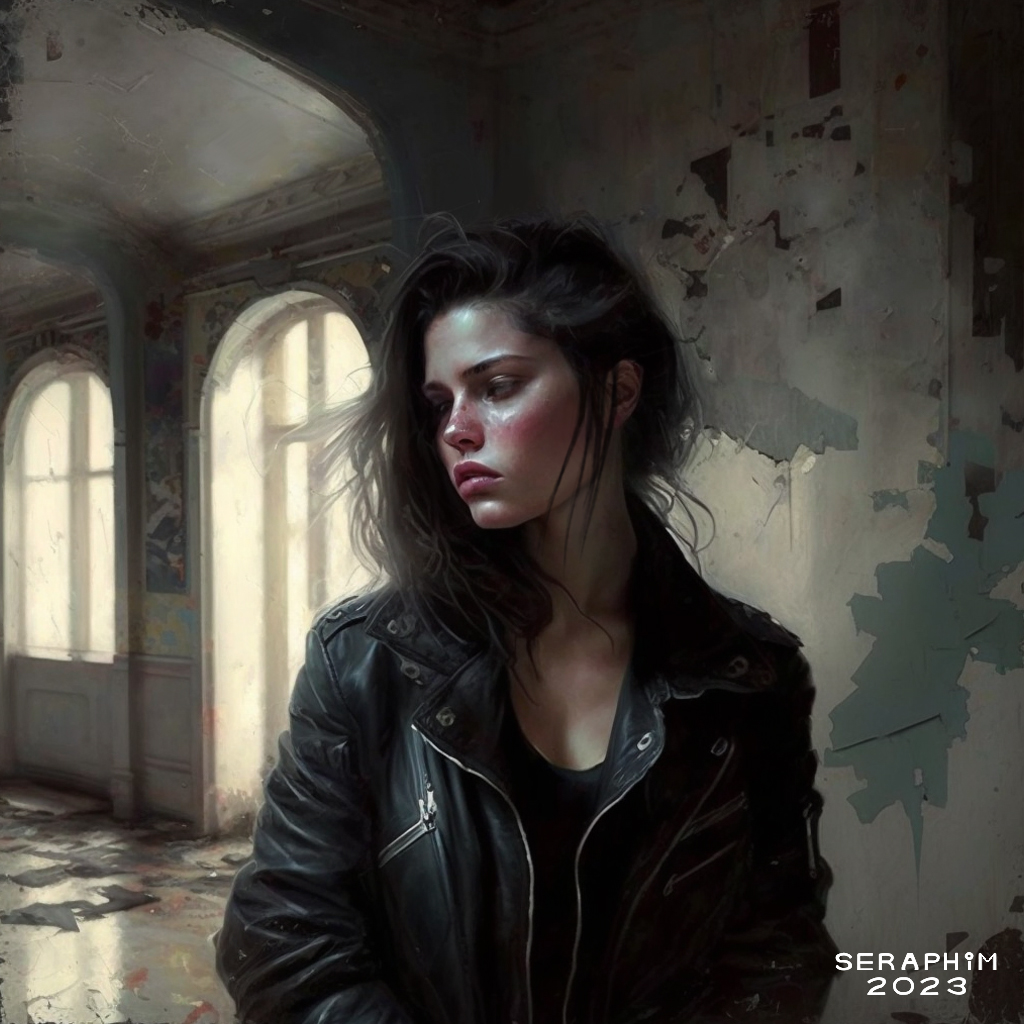
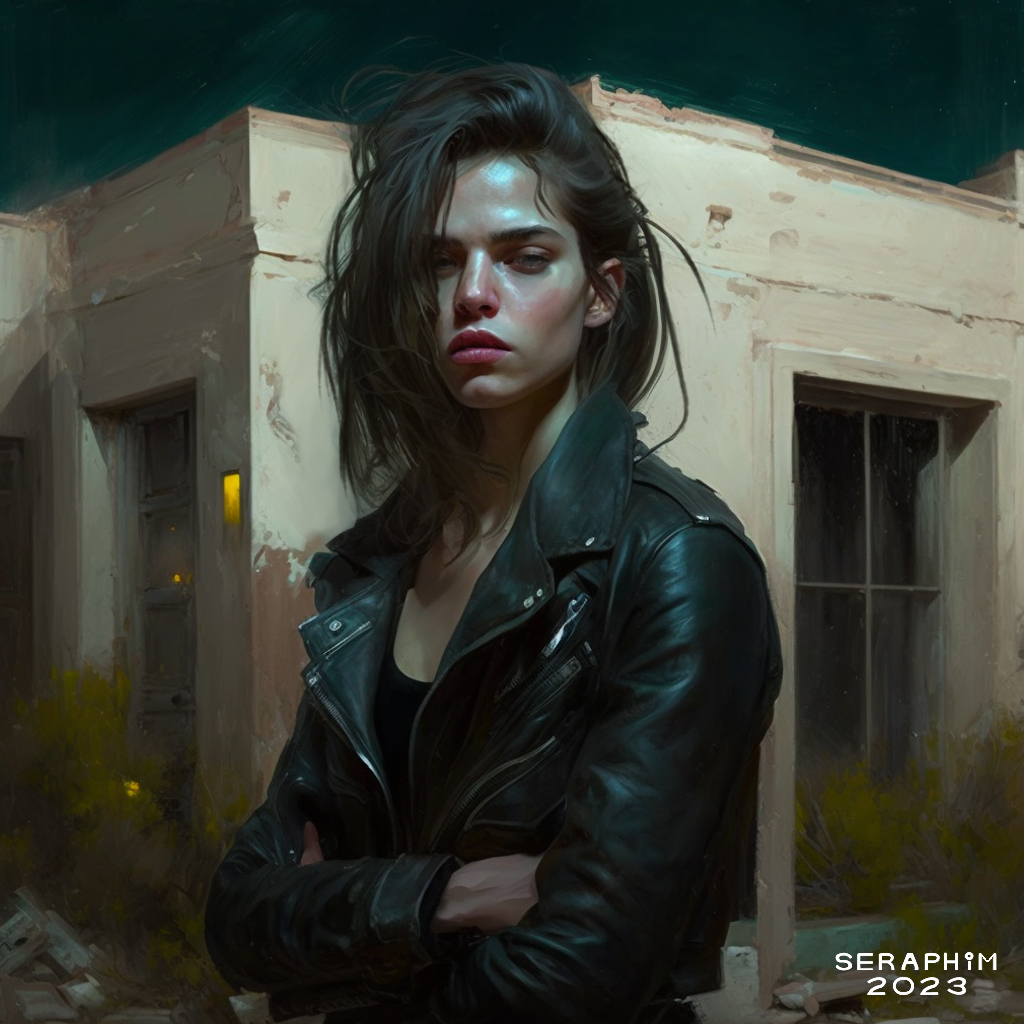
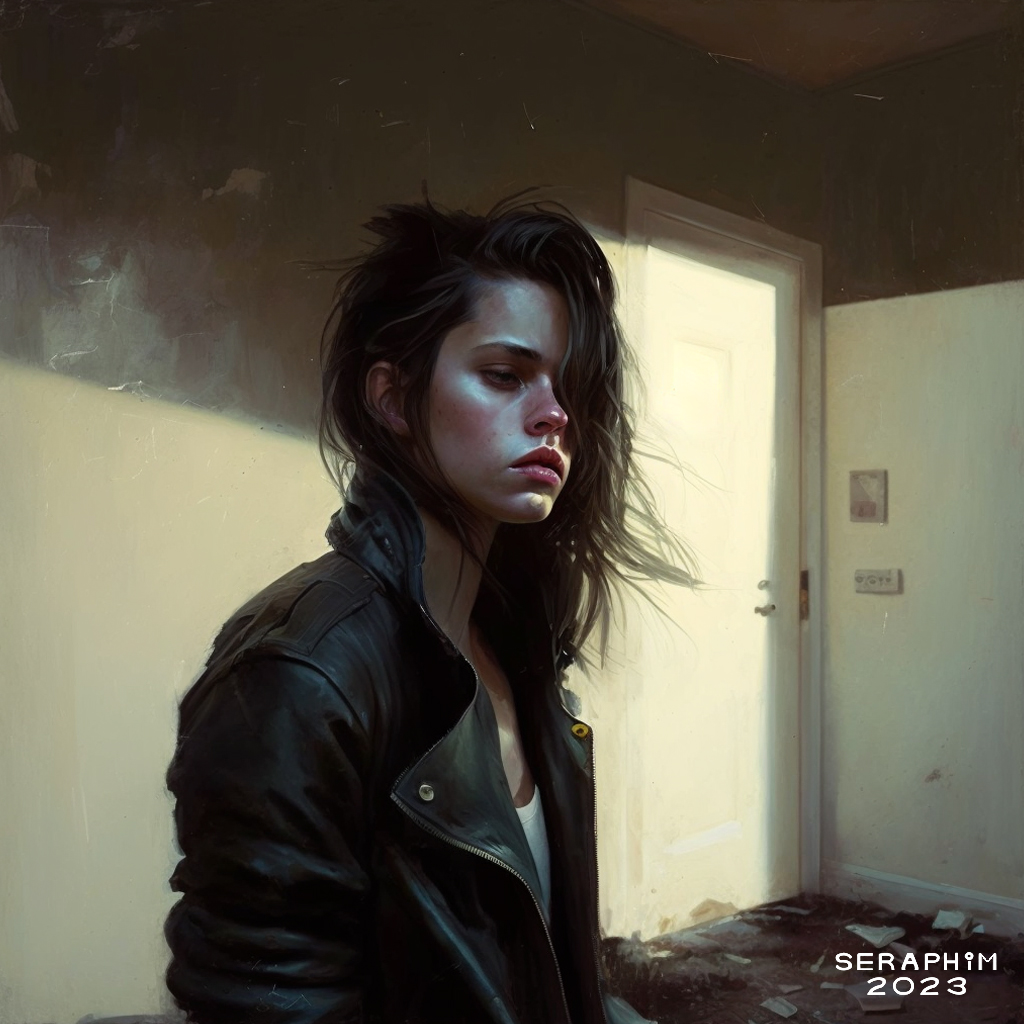
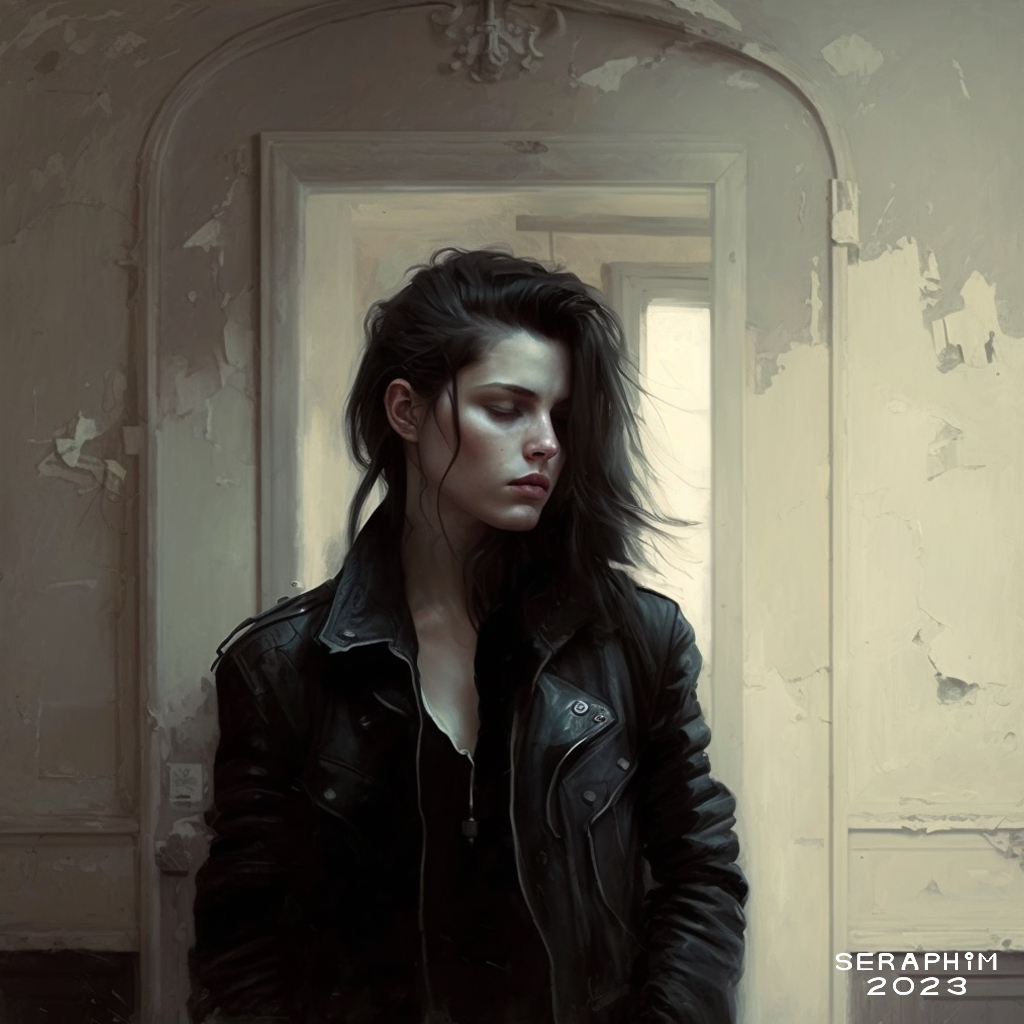
I’m really loving the more ‘painterly’ results I’m getting…
… by including my own textures with the prompts I add to images I create in Mj (Midjourney)…
… these results are much looser than the ones I was going for, and largely achieving, with my ‘Machine Dolls’, and I’ve actually embraced Mj’s penchant for putting stuff all over faces, rather than trying to fight it…
… which is making everything more ‘organic’ looking, I guess. Anyway, I like the results.
I have made a technique breakthrough that I think is a game-changer for my Mj (Midjourney) work…
… I decided to see what would happen if I paired portraits I’d created in Mj with my own textures (I’ve been making my own textures in Photoshop for over a decade)…
… these are the results! Gorgeous, painterly images…
… I’m really, really excited with this development. When you add a texture image to, in my case, a portrait image…
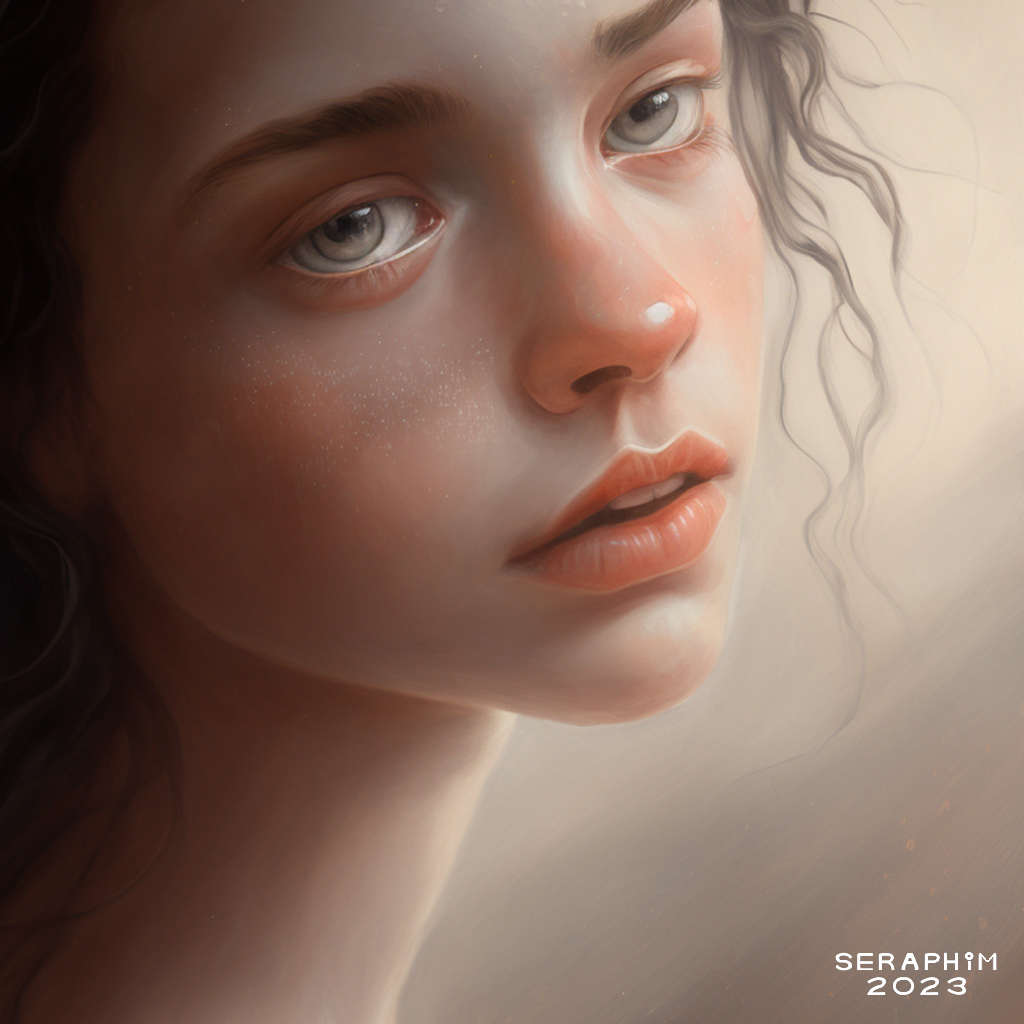
… Mj doesn’t just put it in the background, it puts it everywhere, in these cases, due to the textures I’ve used, it has created brush-like strokes…
… I asked it for ‘soft side lighting’, and gave it my textures to work with, and it has done a stunning job of softening everything, and producing gorgeous lighting…
… it also started creating these beautiful, pixie-like faces, somehow based on the textures, because none of my original portraits looked this adorable…
… but I’m simply blown away by these wonderful, dreamy, moody images… I make a point of never asking Mj to mimic anyone else’s style, I don’t even stipulate things like ‘painterly’, I just beaver away trying to create my own style… this is really close to what that style has always looked like in my mind…